How to Hide or Restrict Apps, Features, Content & Settings on an iPhone
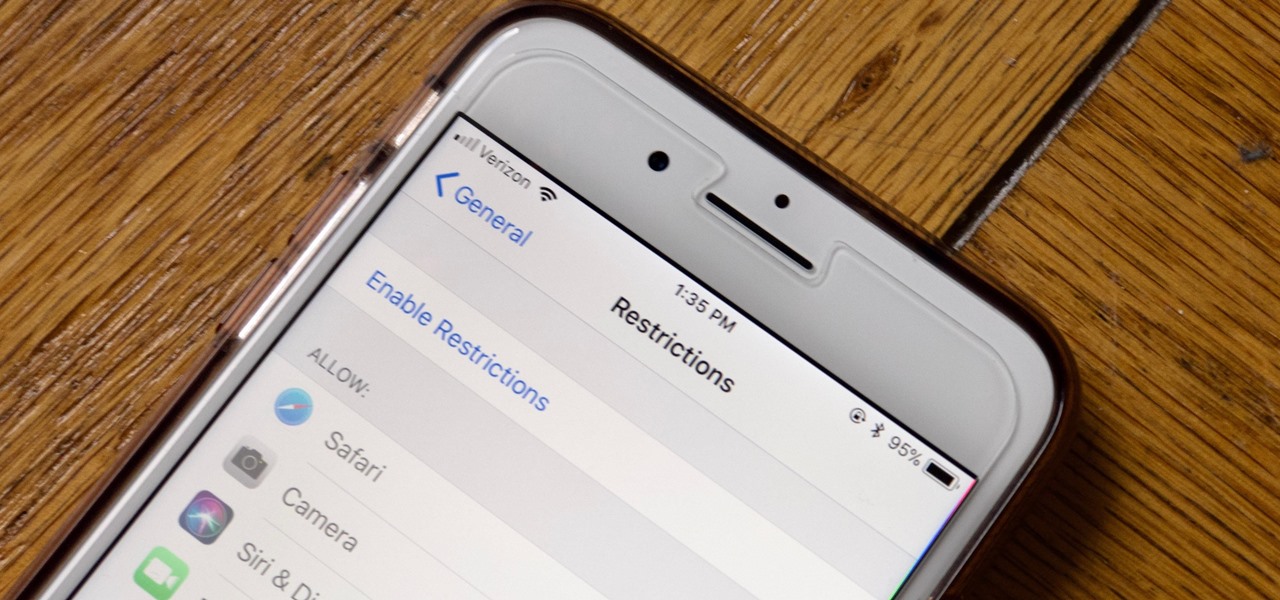
Apple has tools built into iOS to help parents monitor the iPhone habits of their children. However, those same tools can be used by everyday iPhone owners to both hide apps they don't care about, as well as restrict features they don't need or that infringe on privacy. Whether you fit into one category or the other, all iPhone users can benefit from the "Restrictions" feature. Enabling Restrictions Open up your Settings app, tap "General," then "Restrictions." Here, you will find all of the apps and features controlled by Restrictions. First, however, you need to enable Restrictions... more
from WonderHowTo http://ift.tt/2FWhFCN
via IFTTT